
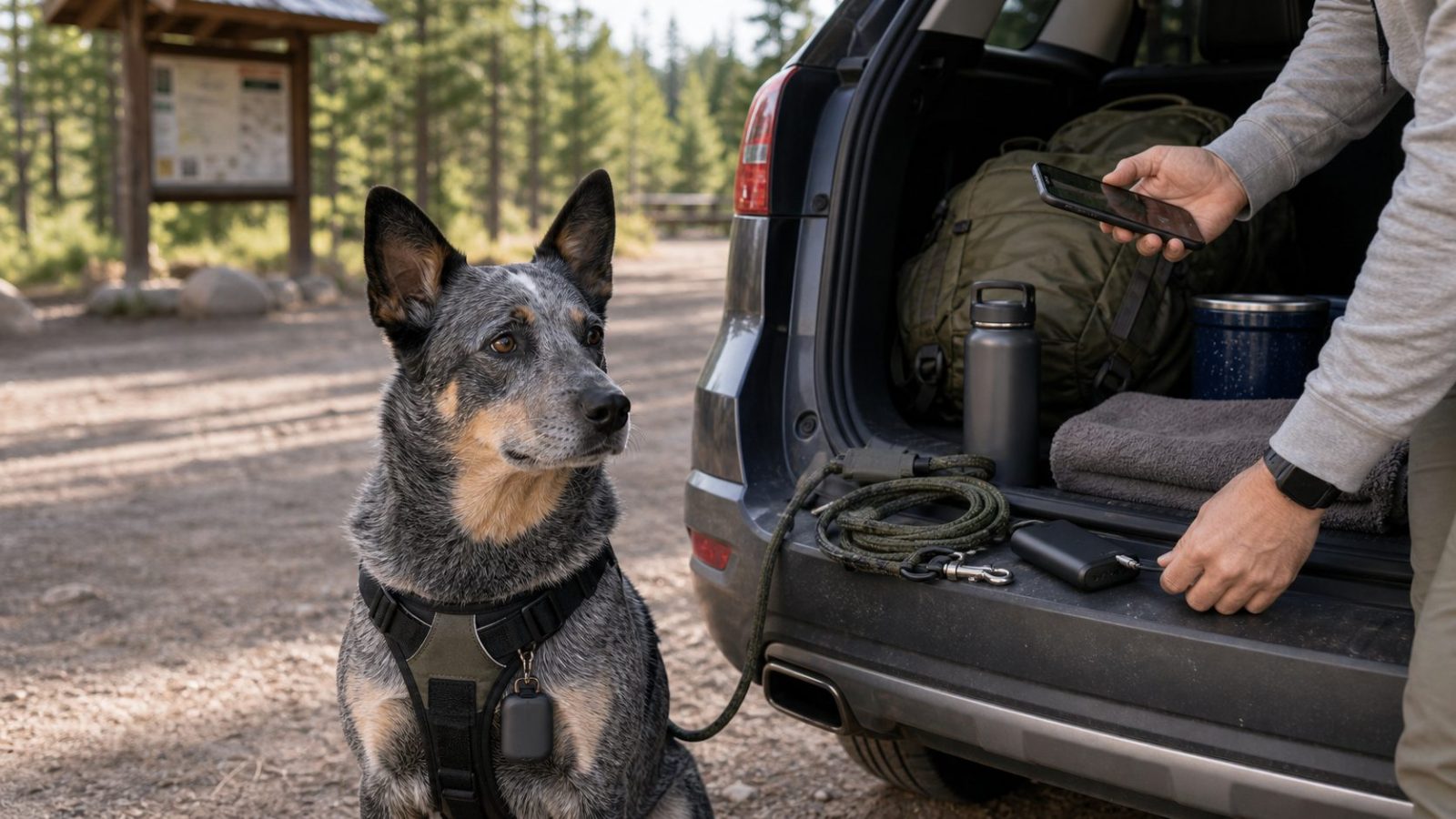
A dog GPS tracker feels reassuring until you reach the campground and realize the battery is low, the app has not updated, or the tracker is clipped to the wrong collar. For road trips and camping weekends, the setup matters as much as the device.
This checklist is for dog owners who already use a GPS tracker or are planning to buy one before an outdoor trip. It does not replace a leash, secure harness, recall training, campground rules, or a visible ID tag. A tracker is a backup layer. It works best when the simple parts are handled before anything goes wrong.
Use this before you leave home, when you arrive at camp, and before hikes or rest-stop walks.
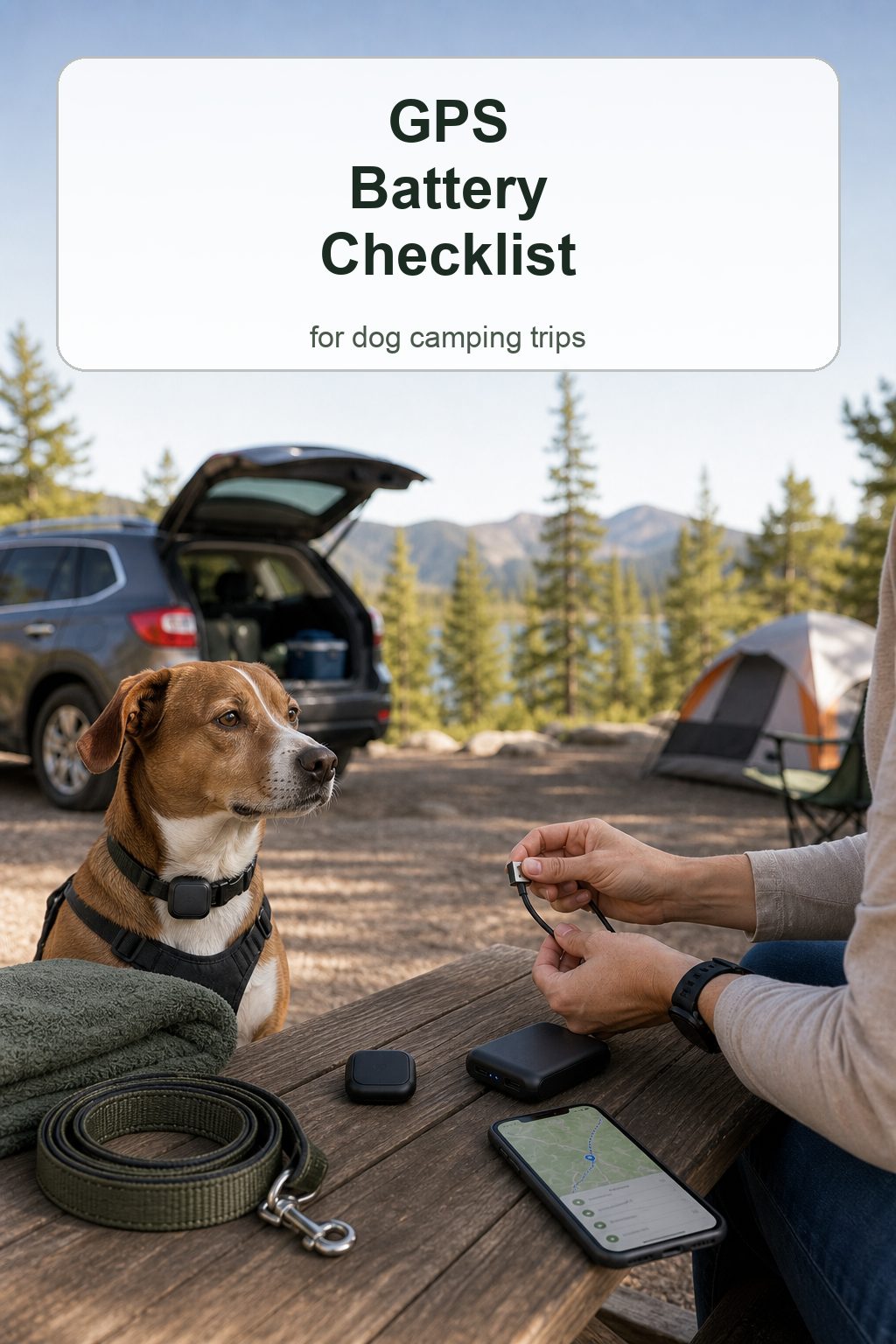
Compare dog GPS trackers on Amazon
Quick Answer
Before a camping trip or road trip, charge the GPS tracker fully, open the app to confirm it is updating, check the service or coverage expectations for your destination, secure the tracker to the collar or harness your dog will actually wear, and pack the charging cable with your phone charger or power bank.
Do not wait until you are at a trailhead to test it. A tracker that works at home can behave differently in a campground with weak cellular service, heavy tree cover, or a low battery. The goal is not perfection. The goal is to catch the easy problems before your dog is excited, the car is packed, and the campsite is busy.
The Night Before: Charge Everything
Start with the boring step because it prevents the most avoidable failure. Charge the tracker the night before the trip, then confirm the battery level in the app before packing it.
Do not assume the tracker is full because it was on the charger. Check the app or indicator light, depending on the device. A loose cable, dirty charging contact, or outlet that was switched off can leave the tracker half-charged.
Charge the power bank too. If your camping trip includes long drives, trail time, or a no-hookup campsite, the power bank is part of the tracker setup. Keep the tracker cable with the power bank, not loose in a random pocket.
If you use the tracker only on trips, charge it a day early and update the app before bedtime. Devices that sit unused can need firmware, app, or account attention at the worst time.
Morning-of-Trip Tracker Check
Before loading the car, put the tracker on the collar or harness your dog will wear for travel. Open the app and make sure the device appears online or recently updated.
Walk outside for a few minutes if needed. Some trackers may behave differently indoors than outdoors, especially if the device is trying to get a clearer location.
Check these four things before the dog gets in the car:
- tracker battery level
- phone battery level
- app login status
- location update time
If the app says the last update was hours ago, do not ignore it. Figure out whether the device is asleep, offline, out of battery, or simply waiting for movement.
Coverage Is Not the Same Everywhere
Many dog GPS trackers use GPS for positioning and a cellular or network connection to send updates to your phone. That means a tracker can be affected by the same places where your phone struggles: remote roads, valleys, heavy tree cover, campgrounds outside town, and areas with limited service.
Before a trip, check the brand’s current coverage guidance for your destination area. Do this especially for national forest roads, rural cabins, lake campsites, and desert routes. Coverage maps are not perfect, but they are better than guessing.
At camp, open the app once you arrive. See whether the tracker updates from the campsite, not just from home. If it updates slowly, treat that as useful information. Keep your dog closer, use a shorter leash around camp, and avoid assuming the app will show every movement quickly.
Set a Realistic Update Mode
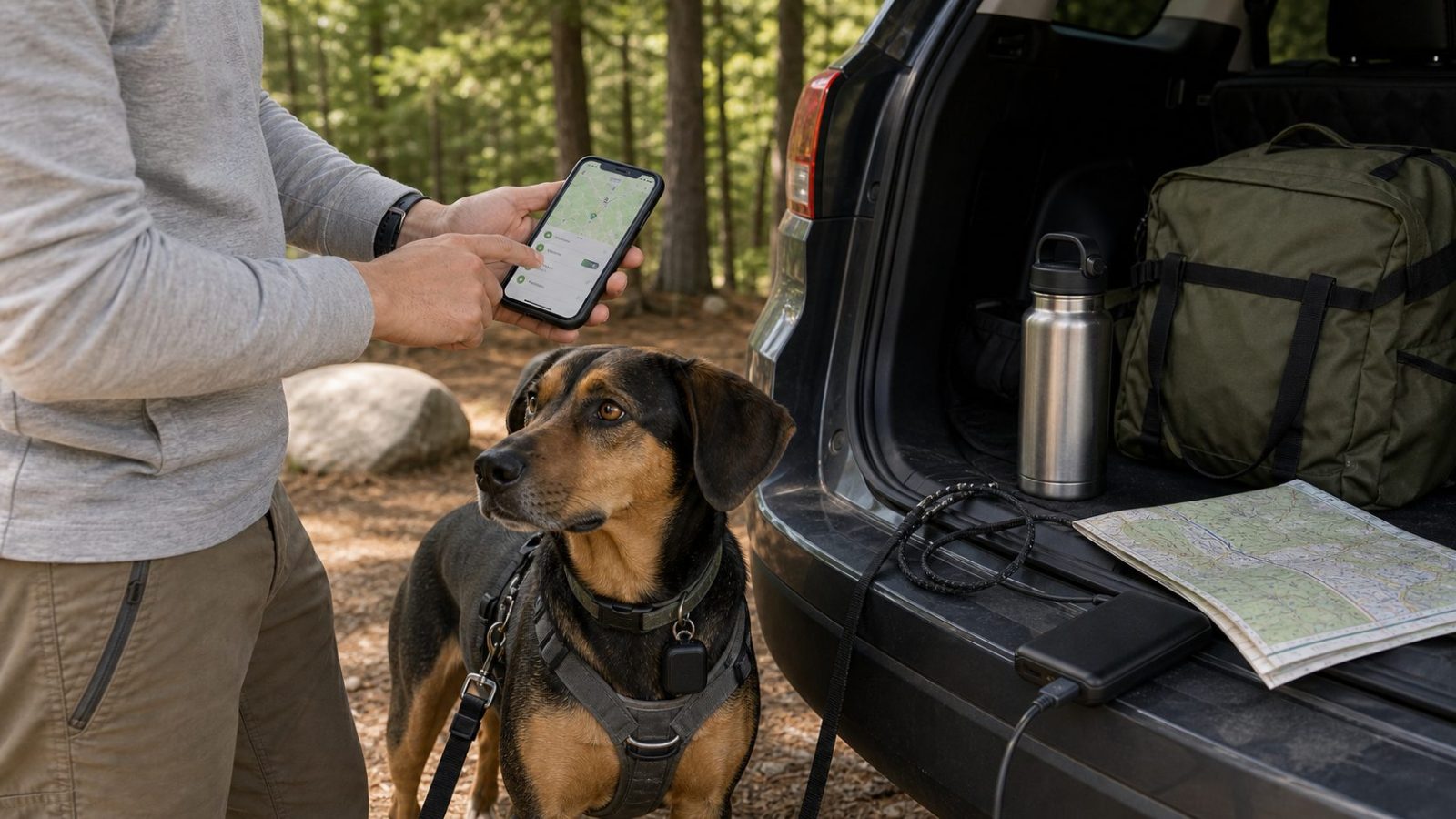
Some GPS trackers offer different tracking modes, update intervals, or live-tracking features. Faster updates can be useful if a dog gets loose, but they may use more battery.
For normal camp time, you may not need the most aggressive tracking mode running all day. For trailheads, rest stops, and arrival moments, a more active mode may make sense if your tracker offers it.
The point is to know the trade-off before you need it. If live tracking drains the battery quickly on your device, you do not want to discover that after leaving it on from breakfast to dinner.
Test the tracker on a regular walk at home. Watch how battery changes after thirty minutes, an hour, or a longer outing. That small test teaches you more than the product page.
Attachment Check: Collar, Harness, or Case
A tracker with full battery is still useless if it falls off. Check the holder, clip, case, or strap before each trip.
The tracker should sit snugly and not bounce against your dog’s jaw, shoulder, or chest. It should not hang where your dog can chew it. It should not twist the collar sideways or make the harness rub.
For dogs who swim, roll, wrestle, or push through brush, inspect the holder after activity. A case that feels secure at home may loosen after a muddy hike or wet campsite morning.
If your dog switches between a car harness, walking harness, and flat collar, decide where the tracker lives. Many owners clip it to the collar because the collar stays on more consistently, but the right answer depends on your dog’s gear and routine.
Pair the Tracker With Visible ID
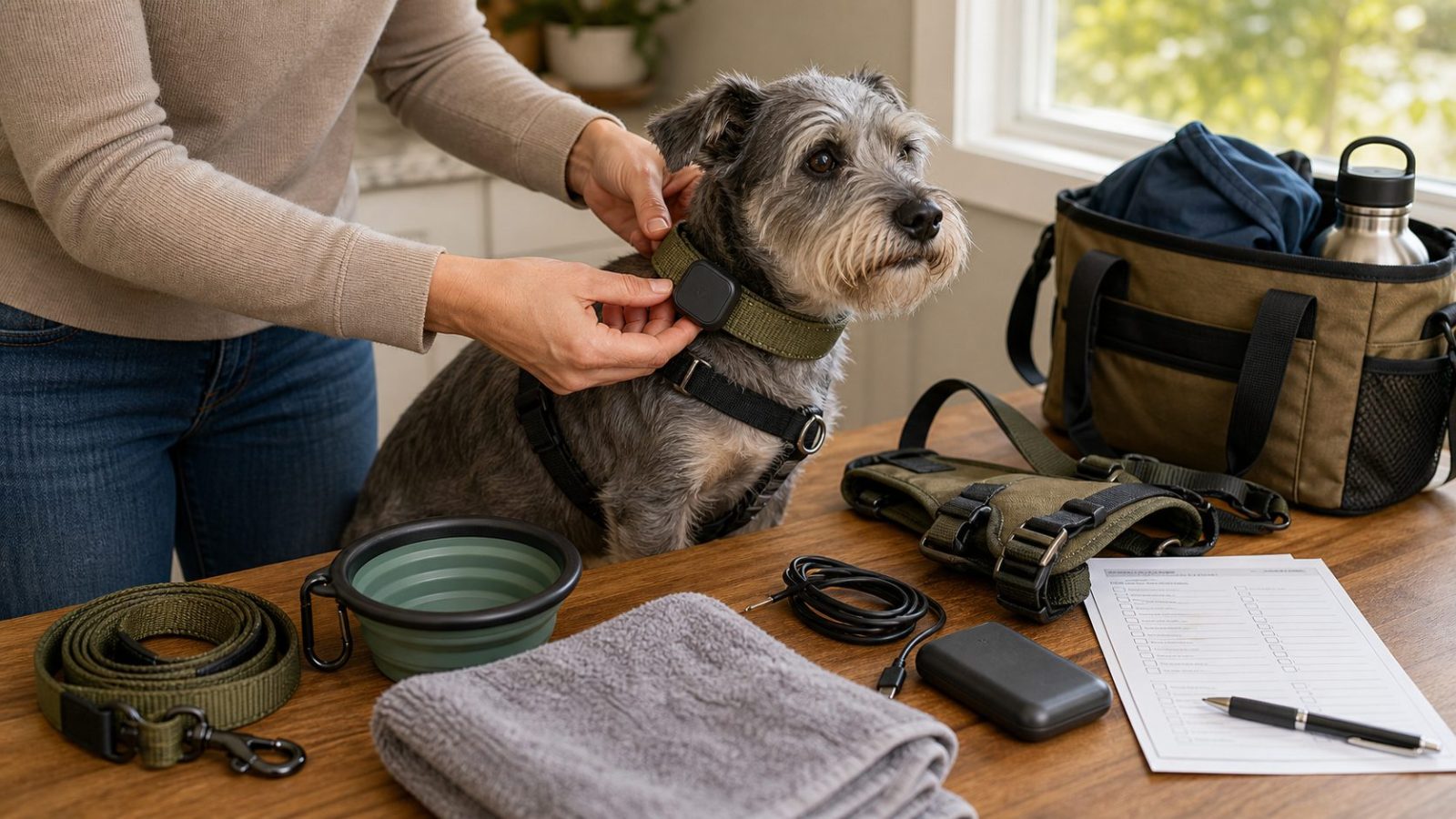
Do not use a tracker instead of an ID tag. A person who finds your dog may see the collar tag long before they understand the tracker.
At minimum, your dog should have a readable ID tag with a current phone number. If you are traveling, consider adding a temporary tag or backup contact method if your normal tag is worn, noisy, or hard to read.
Also check microchip registration before a long trip. This is not something you want to fix from a campground with poor service.
A GPS tracker helps you look for your dog. ID helps other people help your dog get back to you.
Rest Stops: Use the Tracker, but Trust the Leash
Rest stops are one of the easiest places to get careless. Everyone is tired, doors open quickly, and dogs are excited by new smells.
Before opening the door, clip the leash to the harness or collar. Then check the tracker if you need to. Do not open the door and then start searching for the leash, phone, or app.
If you stop at night, in rain, or near traffic, keep the routine even simpler. Leash first. Door second. Phone third.
The tracker is useful if something breaks down in the routine. It should not become the routine.
Campsite Arrival Checklist
When you arrive at camp, do a quick reset before unpacking everything:
This reset is easier if the tracker is part of your campsite setup, not a loose gadget in the cup holder. Use the dog camping gear checklist for the broader routine, and compare the limits in GPS tracker vs AirTag for camping if you are still choosing a device.
- confirm tracker battery
- confirm app update time
- check phone service
- clip leash before opening doors
- inspect the tracker holder
- identify roads, trails, water, and nearby campsites
- choose where the dog will be tethered, crated, or leashed
- keep the charger somewhere easy to find
Do this before the dog is tired, hungry, or overexcited. The first hour at camp is when gear is scattered, doors are open, and routines are not settled yet.
Charging Routine at Camp
Pick one charging habit and repeat it. That may mean charging the tracker every night, every other night, or whenever the app drops below your personal comfort level.
Keep the tracker cable in a bright pouch or with your phone charger. Tiny charging cables disappear easily in a tent, SUV cargo area, or hotel room.
If the tracker must come off the collar to charge, put the collar and tracker in the same place. Do not leave the collar by the door and the tracker in the tent pocket. That is how dogs end up wearing the collar without the device.
For longer trips, pack a small backup cable if your tracker uses a unique charger. A common USB-C cable is easier to replace than a brand-specific charging clip.
Common Mistakes
One mistake is charging the tracker but forgetting the phone. The tracker may be working, but you still need your phone to read the app.
Another mistake is testing only at home. Home coverage tells you very little about a remote campsite or mountain road.
A third mistake is letting the tracker holder wear out. Cracked silicone, loose clips, stretched straps, and bent cases are easy to overlook until the device is gone.
Finally, do not turn the tracker into an excuse for loose handling. Dogs still need leashes where required, secure car exits, and a calm routine around doors and gates.
Quick Checklist
Before leaving home:
- charge tracker fully
- charge phone and power bank
- pack tracker cable
- open app and confirm update
- check account login
- inspect holder or clip
- attach tracker to the gear your dog will wear
- confirm ID tag is readable
At camp:
- check app update from the campsite
- notice phone signal strength
- keep dog leashed during setup
- inspect tracker after hikes, swimming, or rolling
- charge on a predictable schedule
Before a hike or rest stop:
- leash first
- confirm tracker is attached
- check battery if the walk will be long
- keep phone accessible
- avoid relying on the tracker as your only safety step
Related PawTripKit Guides
For the rest of the outdoor travel setup, read these next:
- Dog GPS Tracker vs AirTag for Camping and Road Trips
- Best GPS Dog Collars for Road Trips and Camping
- Dog Rest Stop Routine for Road Trips
- Dog First Aid Kit for Road Trips and Camping
- Dog Camping Shade Setup
Final Thoughts
A dog GPS tracker is most useful when it is part of a simple routine. Charge it, check it, attach it securely, and understand where it may struggle before the trip starts.
For camping and road trips, the real win is not having the fanciest app screen. It is knowing that the tracker is charged, your phone can read it, the device is still on your dog, and your backup basics are in place. That gives you a better chance of using the tracker calmly if you ever need it.
FAQ
How long should a dog GPS tracker battery last?
Battery life depends on the tracker, update mode, signal conditions, and how often you use live tracking. Check your device’s current instructions and test it on a normal walk before relying on it for a camping trip.
Should I charge a dog GPS tracker every night while camping?
If you are unsure, charging nightly is the safer routine. It is easier to keep the tracker full than to guess how much battery a weak-signal day used.
Can weak cell service affect a dog GPS tracker?
Yes. Many trackers need a network connection to send location updates to your phone. Weak service, remote areas, tree cover, or terrain can slow or interrupt updates.
Where should I attach a GPS tracker on my dog?
Attach it where it stays secure, comfortable, and out of chewing range. For many dogs that is the collar, but some setups may work better on a harness. Test it before the trip.
Do I still need an ID tag if my dog has a GPS tracker?
Yes. A visible ID tag helps someone contact you quickly if they find your dog. A tracker helps you search; an ID tag helps other people help.